When to Add Docker to Your Tech Stack
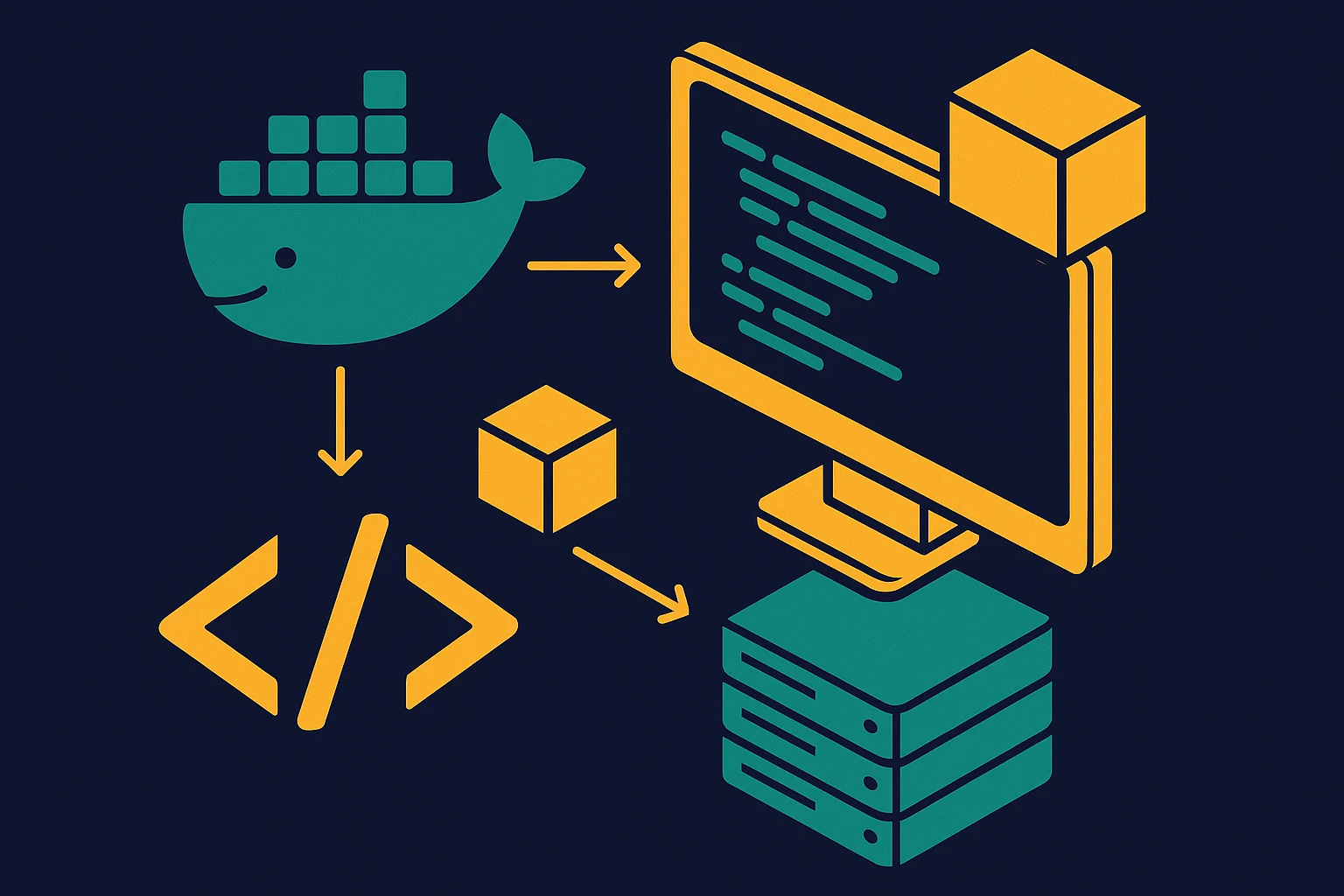
The short answer is - almost always. But you should also understand what Docker actually does and why it matters for any type of tech stack.
Experience Level
Contents
When should you add Docker to your tech stack? The short answer is - almost always. But the more useful answer explains why — because once you understand what Docker actually solves, the decision becomes obvious.
What Docker actually does
Docker packages your application and everything it needs to run — the runtime, libraries, config — into a single unit called a container. That container runs the same way everywhere: your laptop, a teammate's machine, a staging server, production.
The problem it solves has a name: it works on my machine. When you run code directly on your system, it depends on whatever version of Node, Python, or Postgres happens to be installed there. Add a second developer and those versions diverge. Add a staging environment and they diverge again. Docker eliminates that entire class of problem.
Containers vs. virtual machines
One clarification worth making early: containers are not virtual machines. A virtual machine emulates an entire operating system — hardware, kernel, the full stack — which makes it heavy and slow to start. A container shares the host OS kernel and just isolates the filesystem, networking, and process space.
That's why containers start in seconds and are lightweight enough to run dozens on a single machine. A Dockerfile describes how to build your container image. That image is a snapshot of exactly the environment your app needs — and it can be tagged, versioned, pushed to a registry, and pulled anywhere.
A Dockerfile in plain terms
You don't need to be a Docker expert to get started, but it helps to know what you're working with. A Dockerfile is a short text file that says: start from this base image (say, python:3.12-slim), copy my code in, install dependencies, and run this command. That's it for most apps.
The resulting image is portable. Run it locally with docker run, ship it to a server and run it there, deploy it to a cloud platform — the image is the same everywhere. Docker just executes it.
When Docker makes obvious sense
Backend APIs and web servers are the clearest case. Any Python, Node, Go, or Ruby server benefits from containerization. The Dockerfile becomes the authoritative definition of how to run the app — no installation guide, no "make sure you're on Python 3.11" footnote, no environment variables that only exist on one person's machine.
Team projects benefit enormously. When every developer runs docker compose up and gets the same environment, you eliminate an entire category of onboarding problems. The person who joined yesterday can have the app running in ten minutes with a single command.
CI/CD pipelines are already built on containers. GitHub Actions, GitLab CI, and similar tools run each job inside a container by default. Even if you never think about Docker locally, your build pipeline almost certainly does.
Multi-service apps are where Docker Compose becomes essential. Compose lets you define a whole system — an API server, a background worker, a cache, a database — in a single YAML file. Start everything with one command, network them together automatically. This is where Docker stops being a nice-to-have and becomes genuinely hard to replace.
Local development databases are worth containerizing even if you do nothing else. Running Postgres or Redis in Docker locally means no system-level installation, no version conflicts between projects, and a trivially easy reset to a clean state. In production, most teams still prefer managed database services — but locally, Docker databases are almost universally better than native installs.
The cases where Docker adds friction
Docker is not the right tool for everything, and it's worth being direct about that.
Pure static sites don't need it. If you're deploying a Next.js site to Vercel or a Hugo blog to Netlify, the platform handles the build environment. Adding Docker here is work with no payoff.
Serverless functions operate outside the container model. AWS Lambda, Cloudflare Workers, and similar runtimes have their own packaging formats. You can run Docker images on Lambda — AWS supports it — but it's not the default path and usually adds complexity you don't need.
Solo prototypes over a weekend sometimes don't need Docker yet. If you're validating an idea quickly before committing to a stack, the setup time might not be worth it at hour zero. That said, a basic Dockerfile rarely takes more than an hour, and the investment pays back the moment you want to deploy or share the project.
The common thread in all three cases: Docker solves a distribution and environment consistency problem. If that problem doesn't exist yet in your context, Docker adds cost without adding value. The moment you're deploying, collaborating, or running more than one service — it earns its place.
What comes after Docker
Docker on its own covers most of what small and medium projects need. When you scale to many services running across many machines, you start looking at orchestration tools like Kubernetes — but that's a different conversation for a much later stage. Docker Compose handles the vast majority of multi-service setups without that complexity.
The ecosystem around Docker is large: container registries (Docker Hub, GitHub Container Registry), cloud platforms that deploy directly from images, CI integrations, local development tooling. You don't need all of it to start. A Dockerfile and a Compose file get you a long way.
The bottom line
If you're building a backend, an API, or any server-side component that will eventually be deployed somewhere, Docker belongs in your stack. The learning curve is real but short — a few hours to understand the basics, a few days to feel comfortable. The return is an application that runs consistently everywhere it needs to, with deployments that are straightforward and repeatable.
The question isn't really when to add Docker. It's what's stopping you from starting now.