No-Code Builders vs AI Builders: Which One Is Right for You?
Two paradigms for building without traditional coding. Understanding what sets them apart — and when each one wins.
Experience Level
Contents
If you've been keeping up with the builder space lately, you've probably noticed two very different schools of creating apps without writing the code yourself.
On one side: visual, drag-and-drop no-code platforms that have been maturing for years — the "old school" approach, around long before AI entered the picture.
And on the other: a new wave of AI-native tools that generate entire apps from a text prompt.
Both let you build without writing traditional code. But they're built on fundamentally different philosophies — and that matters a lot for what you end up with.
What no-code builders actually are
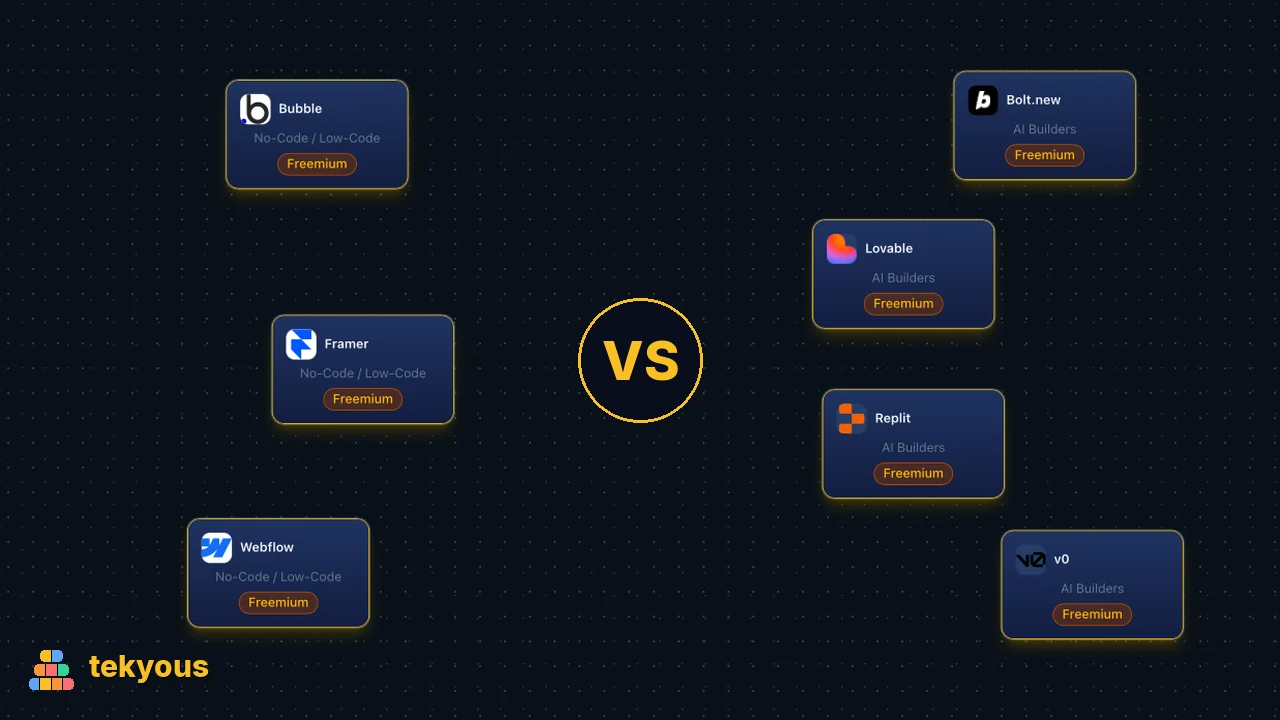
No-code platforms like Webflow, Framer or Bubble give you a visual interface on top of underlying web primitives. You're still composing layouts, logic, and database structures — just without typing syntax. The system is deterministic: you configure it explicitly, and it does what you configure.
This makes no-code predictable. You know exactly what you're building. The output is reproducible. Version control is possible. Teams can collaborate on a structured project because there is a structure to collaborate around.
The tradeoff is the learning curve. Bubble in particular has a complexity floor that surprises new users. You're not learning to code, but you are learning a system — and that system has its own concepts, constraints, and failure modes.
Where no-code wins:
- Longer-lived products where you'll iterate over months or years
- Projects with complex relational data models
- Teams that need multiple people working on the same thing
- When you need control over the final URL structure, SEO, and performance
What AI builders actually are
Tools like Bolt.new, Lovable, v0 or Replit take a different approach: you describe what you want in natural language, and the AI generates functional code. The output is a real, accessible HTML, CSS, and JavaScript (or a framework like React) — meaning you can export it, host it yourself, and modify it if you know how.
The speed here is genuinely remarkable. A well-prompted session can produce a working prototype in under an hour that would take days to build manually or in a traditional no-code tool.
The catch is reliability. AI builders are probabilistic. Two identical prompts can produce different results. Complex multi-step interactions, custom authentication flows, and subtle edge cases are where these tools still struggle. The generated code can be coherent for small apps and chaotic for large ones.
Where AI builders win:
- Rapid prototyping where you need something demo-able fast
- MVPs where the scope is narrow and well-defined
- Technical users who can review and edit the generated code
- Throwaway projects: landing pages, internal tools, hackathon demos
The fundamental difference...
No-code is a visual system that happens to not require coding. AI builders are a code generator that happens to have a natural language interface. This distinction matters.
No-code systems maintain state in their own proprietary format — your Bubble app lives in Bubble's database. Even if code is being generated in the background, you don't access it. So going outside the platform is usually not easy.
On the other hand, AI builders produce actual code files, which you own and can port. But that code is only an asset if someone on your team can read and maintain it.
But the lines are blurring
The AI storm took many of us by surprise, but we've adjusted the way we work. Similarly, no-code companies adjusted their products.
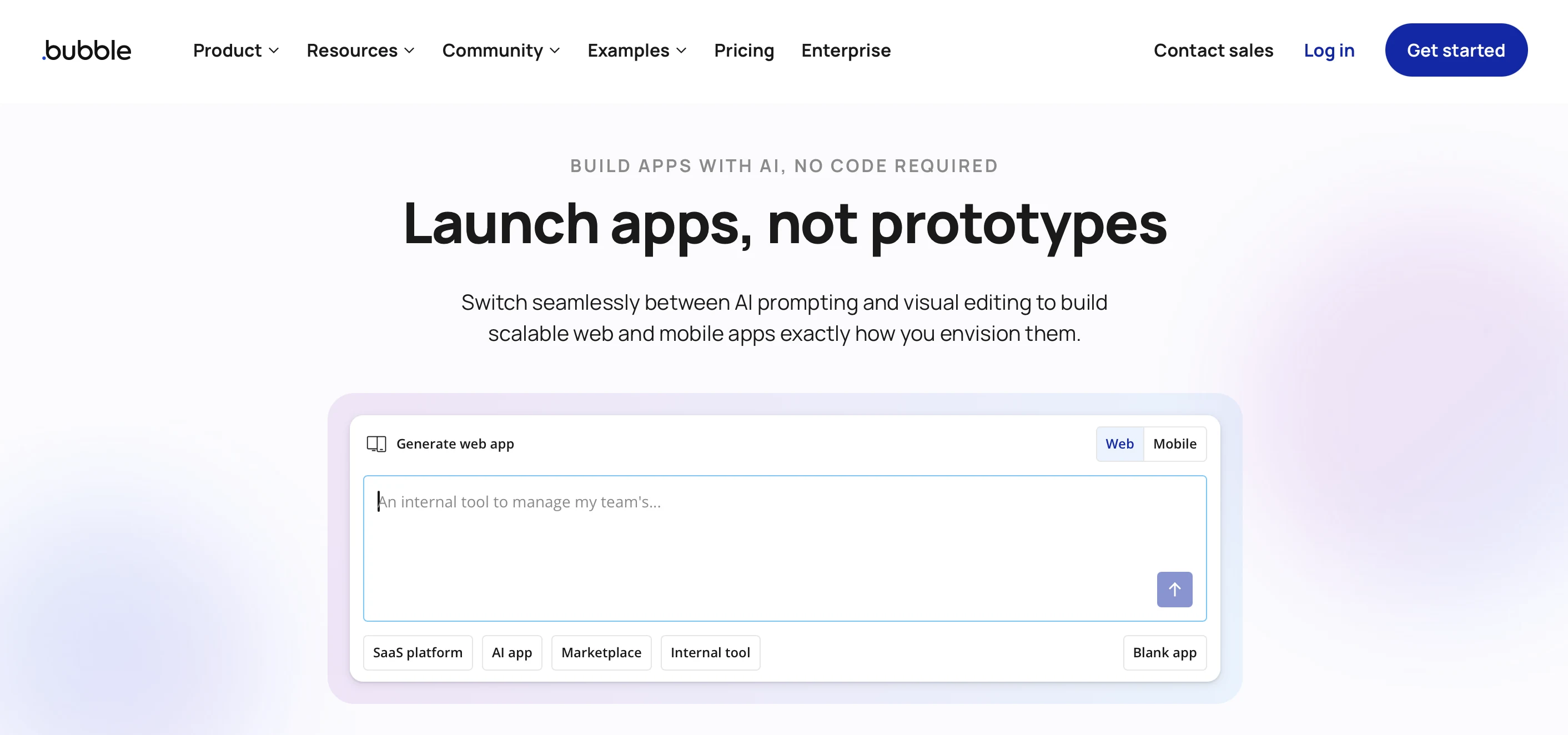
Bubble now prompts you to describe what you want to build — the same text input that AI builders use to generate apps.
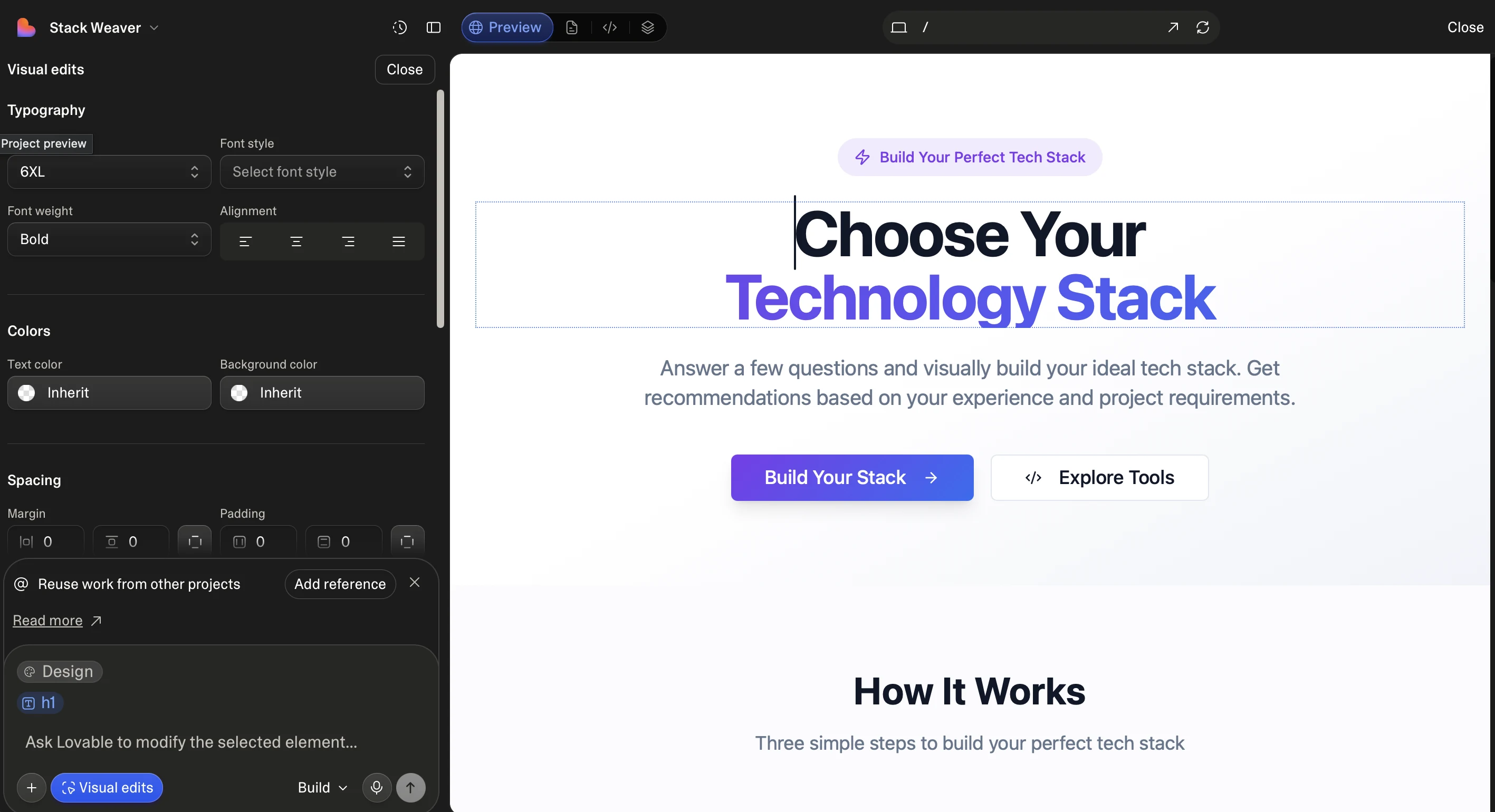
On the other hand, AI builders have adjusted their offerings too. Early on, you either described what you wanted and hoped for the best, or you took over the code and continued development yourself — no visual layer at all. But that's changed. Lovable, for instance, allows you to do visual edits through an interface. It's not on the same level as Bubble — you don't define logic through the interface — but it's a step toward no-code territory.
So when to choose which?
So if no-code tools have the same app generation capabilities as AI Builders, while AI Builders have the same visual editing options as no-code tools, does it matter anymore which one we choose?
The answer is still yes. Because if AI prompts aren't enough, we'll still need to get our hands dirty — for no-code tools that means working with the interface; for AI builders it means writing code.
The general rule:
- go with no-code tools if the project will be handled by a "citizen developer" — meaning someone comfortable with no-code interfaces, rather than writing code themselves
- go with AI builders if the project will be handled by a software engineer comfortable working with code — even code that isn't particularly clean or efficient
How tekyous categorises them
In the tekyous tools directory, no-code platforms and AI builders are tracked as separate categories. The distinction matters for recommendations: someone building a content-heavy website is better served by Webflow's CMS capabilities than by a generated React app they'll struggle to update. Someone building a quick internal tool might get more value from Bolt.new in an afternoon.
The scoring dimensions — learning curve, flexibility, performance — look different for each. No-code tools tend to score higher on learning curve accessibility but lower on raw flexibility or portability. AI builders invert this: high ceiling, but the floor is less stable.
Use tekyous to compare specific tools within each paradigm, understand their trade-offs on the dimensions that matter for your project, and make a more informed decision before you commit.
Related Stacks
Bubble App
ProjectBuild a fully functional web application without writing code. Bubble combines a visual editor, workflow engine, and built-in database in a single platform, taking an idea to a live app in days.
Webflow Website
ProjectBuild and launch a professional website without writing code. Webflow combines visual design, a built-in CMS, and managed hosting in one platform, with no external tools needed.

Bolt.new + Supabase
ProjectDescribe your app in Bolt.new and get a React frontend wired to Supabase in seconds. The full stack runs in the browser while you build, and Bolt hosts it live instantly, with an official one-click Netlify deploy available too.


Frontend

Programming

Databases

AI
Authentication